Make every ride a film.
Put live speed, power and heart rate on your action-cam footage, then turn the same ride file into a cinematic 3D flyover. In your browser, free to start.
Free to start · Android app · iOS coming soon
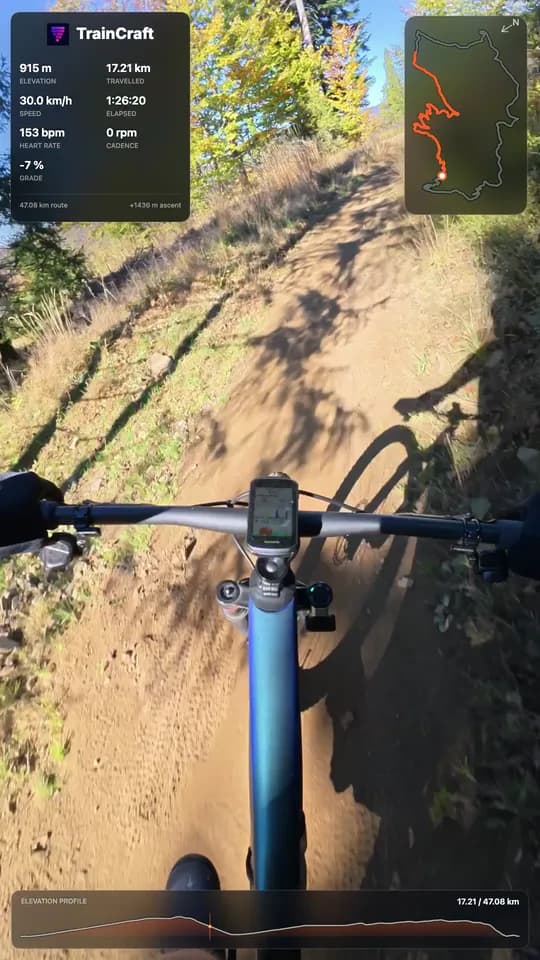
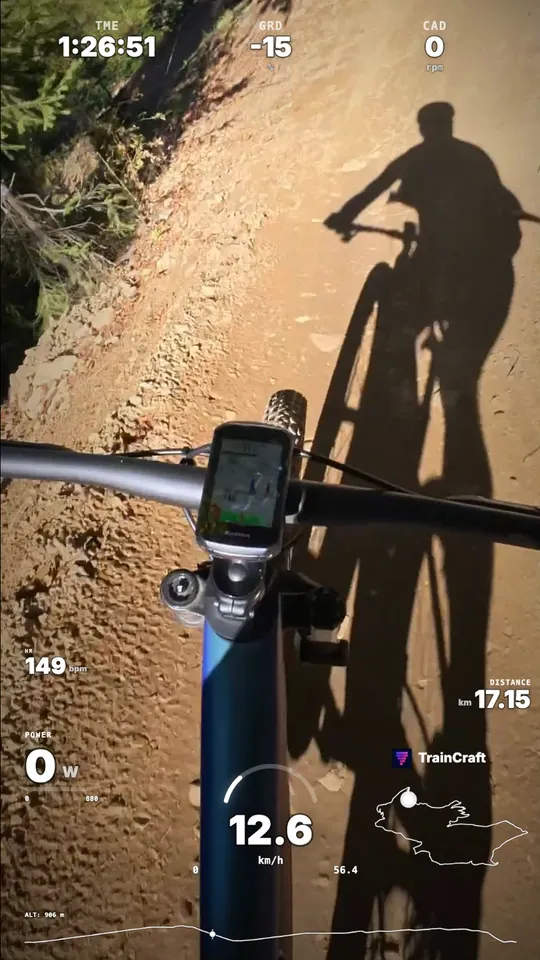
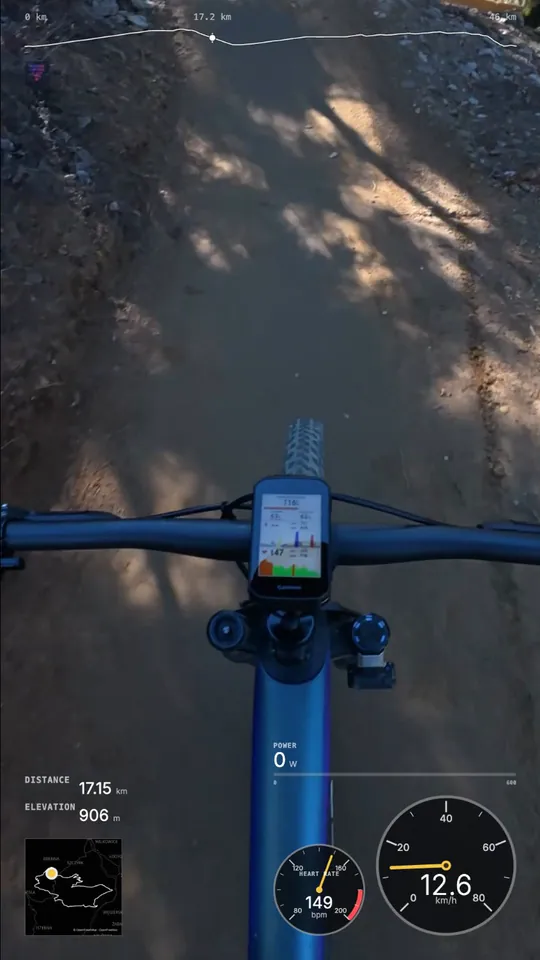
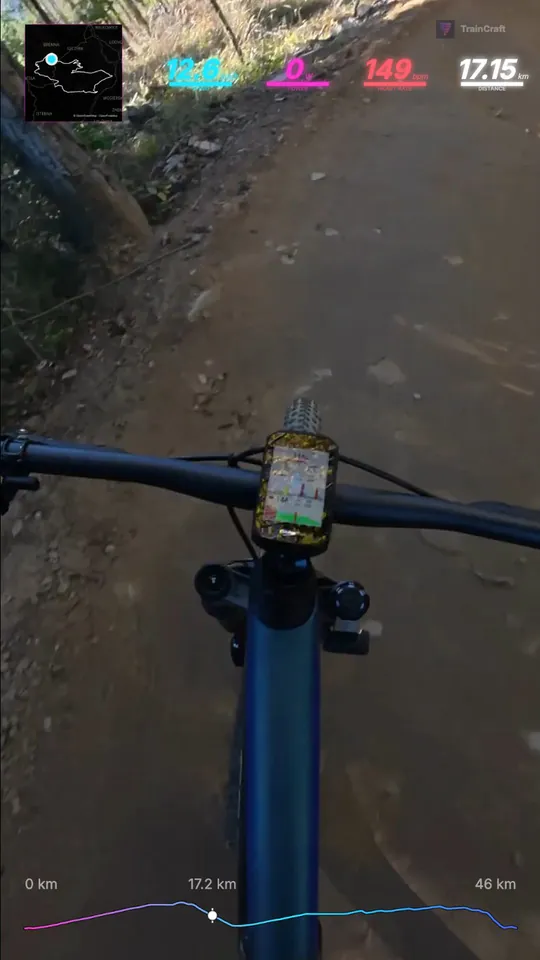
Live data on your footage
Drop a GoPro, DJI, Insta360 or phone clip, add your FIT, GPX or TCX file or a synced Strava or Garmin ride, and TrainCraft lines them up for you.
- Auto-sync with your ride file, with a manual nudge when clocks drift
- 7 HUD styles, from clean numbers to analog gauges
- Speed, power, heart rate, cadence, grade, elevation and route map
- Finished video or transparent ProRes overlay, up to 4K
Your route as a 3D film
Upload a FIT, GPX or TCX file and fly over the real terrain of your ride with a rider, live stats and an elevation profile.
- 12 creative map styles, from Neon Night to Alpine Film
- 8 camera modes, from drone shots to a third-person chase
- MP4 in 16:9, 9:16, 1:1, 4:5 or 3:4, up to 1440p
- Cycling, running, trail running, hiking and walking
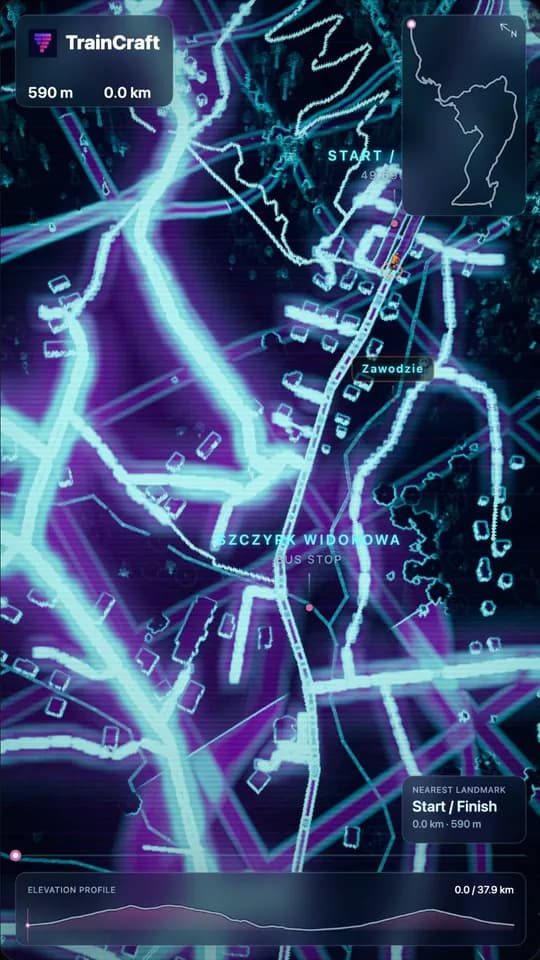
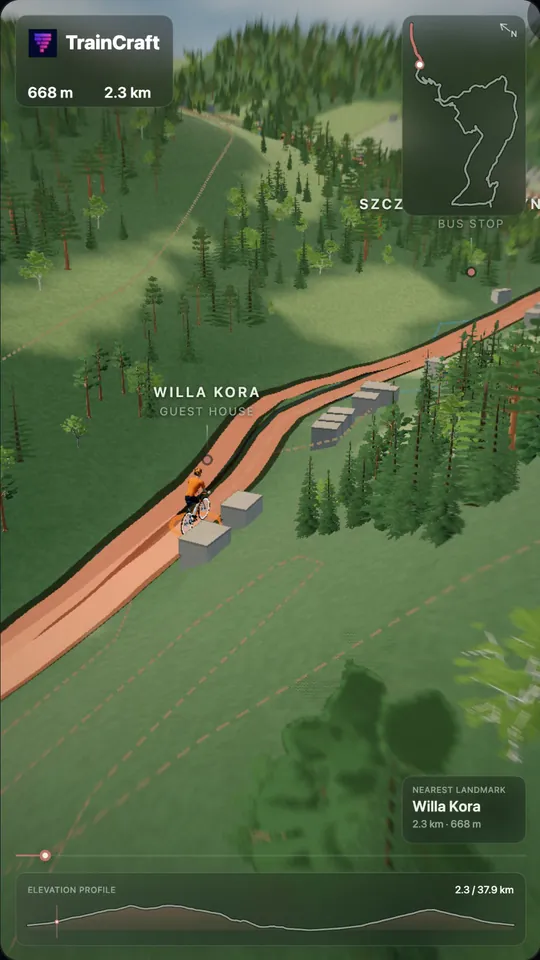
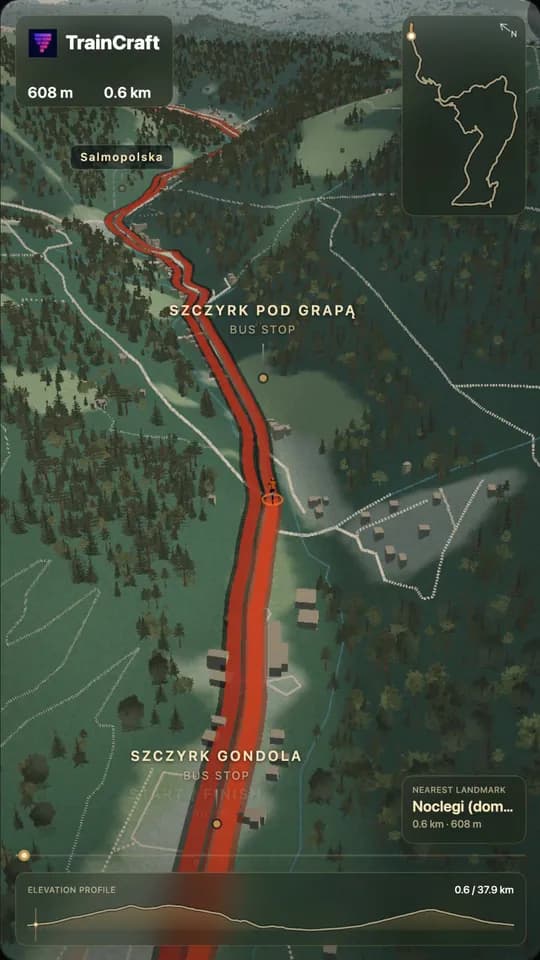
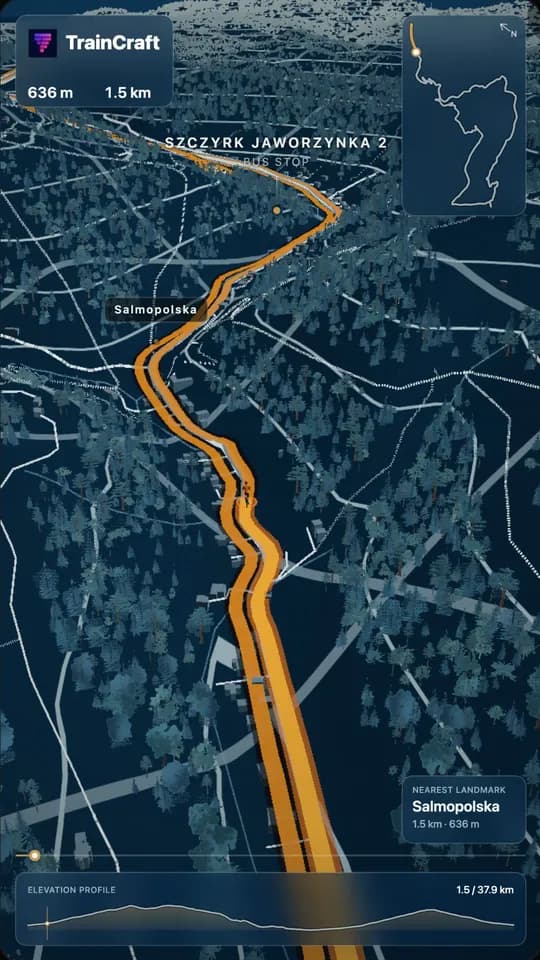
From ride to post in three steps
- 1Drop a clip and your ride file, or pick a synced Strava or Garmin activity.
- 2Pick a HUD for the footage, or a map style and camera for the flyover.
- 3Export 9:16 for Reels, Shorts and TikTok, or 16:9 for YouTube.
FAQ
Is it free?
You can start for free: standard-quality exports carry a TrainCraft watermark. Higher resolutions and watermark-free exports are available as a one-time export or with a subscription.
Which cameras work?
Any MP4, WebM or browser-playable MOV/M4V clip, so GoPro, DJI Osmo Action, Insta360 and phone footage all work. The ride data comes from your bike computer or app, so the camera does not need GPS.
Do I need Strava?
No. Upload a FIT, GPX or TCX file from any bike computer or app. Connecting Strava or Garmin only saves you from hunting for the file.
Can I make vertical videos for Reels and TikTok?
Yes. Both tools export 9:16, and the overlay editor also offers 1:1, 4:5 and 16:9.
Your last ride is waiting to be a film.
Free to start · Android app · iOS coming soon
Now on Android
Use TrainCraft on your phone. iOS is coming soon.